
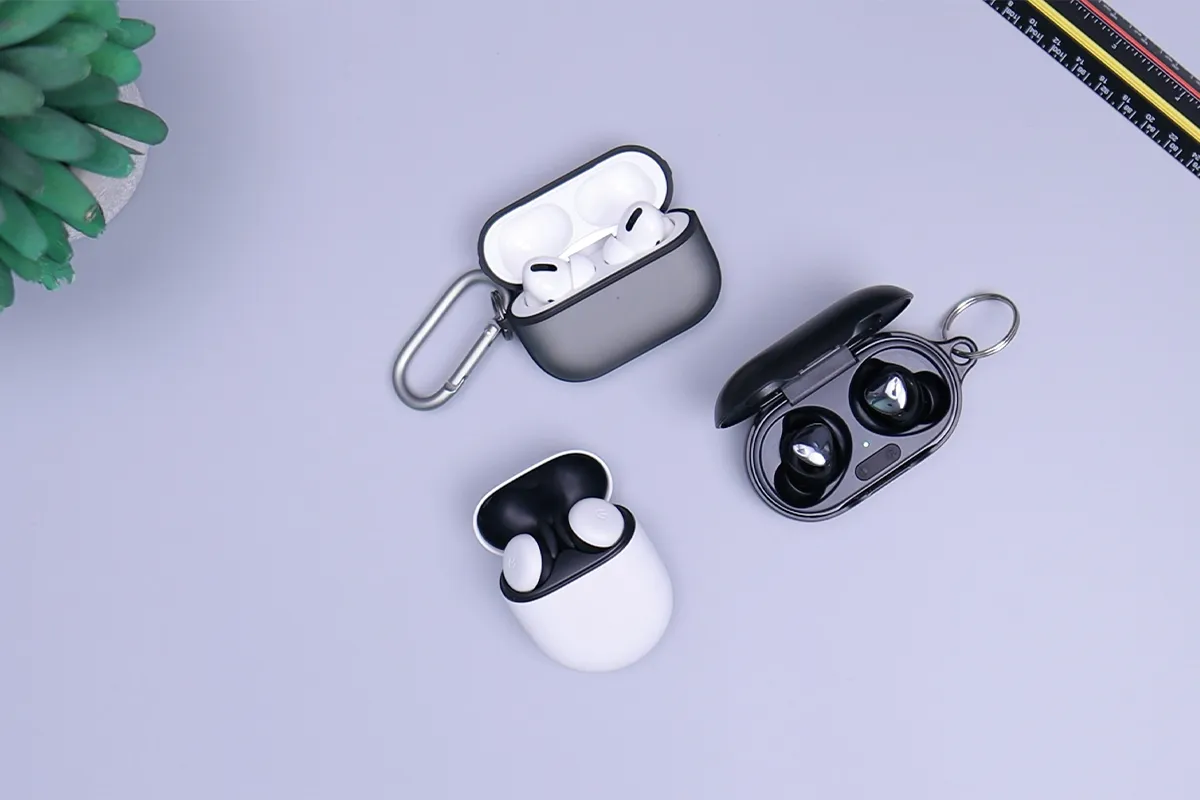
It is hard to get your hands on the best AI earbuds in this time of competition. There are a number of famous brands that offer AI earbuds with multiple features. Some of them really work, but most of them make big promises and deliver only basic results. If you are looking for one of the best brands, this AI earbuds iKKO review will help you understand what ActiveBuds can do, where they perform well, and what you should check before you buy.
iKKO ActiveBuds are famous for their reliability and performance. They offer state-of-the-art AI features with a focus on trust and consistency. The battery life and sound quality are outstanding, and they also serve for daily use. They offer multiple AI features like real-time translation, voice-to-text conversion, smart and active noise cancellation, smart gesture control, and adaptive sound EQ controls.
What Makes iKKO ActiveBuds Different
Most earbuds follow the same pattern. You connect to your phone, you press play, and you use an app for settings. iKKO ActiveBuds try to change this flow a little. The case is not only for charging. The case is also part of the control and feature use.
Because of that idea, AI earbuds with a touchscreen case are a good match for how the product is marketed. The case can show options and make some actions faster. For example, you may check the battery, change a mode, or open a feature without digging through phone menus. That can feel helpful when your phone is in your pocket or bag.
A useful way to think about it is simple. If the extra tools save you time, they add value. If the extra tools create more steps, they can feel annoying. The best experience is when the product stays easy, even with more features.
Quick Setup and First Use
A smooth setup makes the rest much easier. First, charge the case fully. Next, pair the earbuds with your phone using Bluetooth. After that, install the app if you want the full feature set. Some features may need sign-in, and some may need permissions, like microphone access.
Fit matters more than many people expect. A good fit improves comfort, sound, and calls. Try different ear tips and pick the one that seals your ear well. When the seal is good, voices sound clearer and outside noise feels lower.
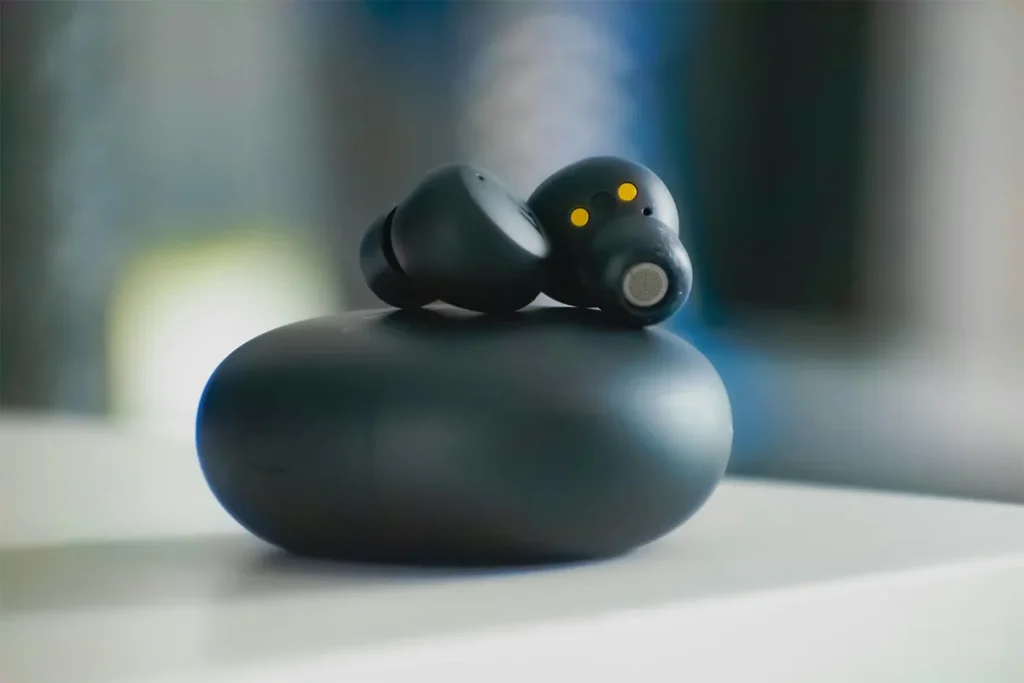
Before you try translation or notes, check these basic points:
- Music plays in both ears without cutting out
- Touch controls work in a normal way
- Calls sound clear to you and to the other person
- The app can find the earbuds and stay connected
- You understand which tools need internet access
Once these basics are stable, the smart tools usually feel simpler to use.
Translation: What It Can Do Well
Translation is one of the most searched features in this category, especially for people who want AI earbuds that translate languages for travel and daily use. In real life, translation works best when the talk is short and clear. Travel is a common example. You may ask for directions, order food, or confirm a place and time. In those moments, fast meaning matters more than perfect grammar.
Long conversations are harder. Group conversations are also harder. Loud places can reduce accuracy, too. Fast speech, heavy accents, and mixed languages can create more errors. These limits are normal for translation tools, even in many other devices.
That is why real-time translation earbuds for travel are a realistic expectation. Travel talk is often short, and people can repeat if needed. In many travel moments, that is enough to help you move forward with confidence.
Simple Tips for Better Translation
Better results often come from small habits:
- Choose a quieter spot when possible
- Speak clearly and a little slower
- Use short sentences, then pause
- Repeat important numbers and names
- Avoid slang and jokes when you can
Rephrasing also helps a lot. If the first try sounds wrong, say the same meaning with simpler words. In urgent moments, using your phone screen can also help you confirm details.
AI Notes: A Fast Way to Save Thoughts
Ideas can come at any time. Many people get ideas while walking, driving, or doing chores. Typing can feel slow in those moments. Speaking can feel faster, and that is a big value of AI notes on smart AI earbuds.
The phrase voice to text notes on earbuds explains the goal well. You talk, the system turns your voice into text, and later you read it when you have time. This can help with work, study, and content planning, especially if you forget ideas easily.
When AI Notes Feel Helpful
Some daily moments fit voice notes very well:
- Task you must remember later
- Plan for tomorrow morning
- Blog idea or content topic
- Reminder while shopping
- Quick summary after a call
For many people, fast capture reduces stress. When you save the idea right away, you stop worrying about losing it. That small relief can make the feature feel more valuable than it looks at first.
Where AI Notes Can Feel Weak
Speech-to-text is not perfect. It can miss a name, spell a brand wrong, or confuse technical words. Mixed languages can also confuse it. Because of that, you should expect a quick review later, especially for important notes.
Some systems also create summaries. A summary can help you scan quickly, but it can skip small details. For serious work, keep the full note and treat the summary as a quick guide only.
This is why AI meeting notes from earbuds are best seen as support, not a full meeting record. It can help you remember, but it still needs your eyes later.
Pros and Cons: AI Earbuds iKKO
Pros:
- Bright touchscreen case controls features.
- Fast two-way translation for travel.
- Quick AI notes from voice.
- Standalone music apps on the case.
Cons:
- Software feels less polished.
- A touchscreen may misread touches.
- Only SBC and AAC codecs.
- IPX4 earbuds, case unrated.
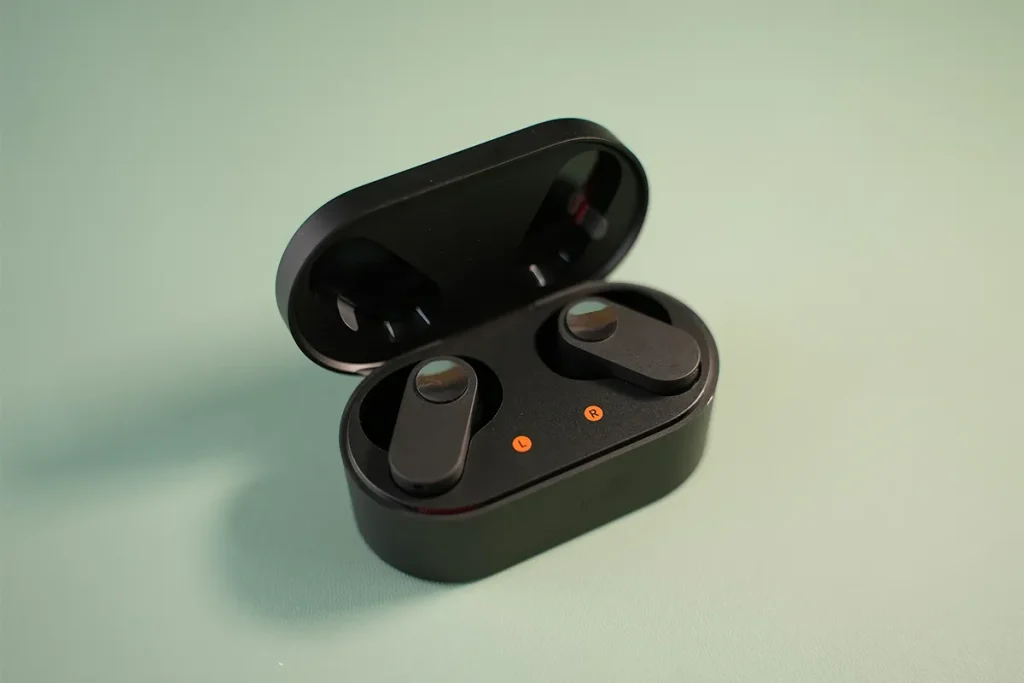
Sound Quality: The Basic Part Still Matters
Even with AI tools, the main job of earbuds is audio. If the sound feels weak, you will not enjoy the product. Sound quality depends on fit, tuning, and personal taste. Some people like strong bass, while others prefer clear vocals.
A simple test can help you judge daily sound:
- Play a song with clear singing
- Play a podcast with steady speech
- Watch a video with normal talking
If voices sound clear and not sharp, that is a good sign. If the bass is too heavy, voices can feel covered. If the sound feels thin, music can feel less fun. Using audio you know well makes the test easier.
People search for the best AI earbuds for calls and notes because they want smart tools and good daily performance. A good approach is to rank your needs. If music matters most, sound quality should lead. If calls matter most, microphone and stability should lead. AI tools should sit after those needs.
Call Quality and Microphone
Calls are a daily need for many people. A good call means the other person hears you clearly. It also means your voice stays steady and does not sound too robotic.
Noise reduction can help in busy places, and AI headphones for translation can also be useful in travel situations, but too much noise reduction can change your voice. For that reason, testing matters. Try calls in three places:
- A quiet room
- A room with light background noise
- Outside with light wind
If your voice stays clear in all three, that is a good result. If your voice fades or cuts, try a better fit and check app settings. A small change in how the earbuds sit can change microphone pickup.
If you take outdoor calls often, call quality may matter more than translation. Calls happen weekly for many people, while translation may happen only sometimes.
Battery Life and Daily Routine
Battery life decides how easy the product feels. When the battery is good, you stop thinking about charging. When the battery is weak, you start planning your day around it.
Battery depends on volume and feature use. If you use smart tools a lot, the battery can drop faster. A practical goal is simple. The earbuds should last your main daily block, and the case should cover extra use later.
Since the case is part of feature use, you may use it more than a normal case. That is fine if charging fits your routine. Many people like the simple habit of charging at night, then using all day.
This idea connects with touchscreen case earbuds’ productivity features. The case should save time, not create a new worry. If you feel you must check the battery too often, the product may feel less relaxing.
App Experience and Software Stability
Smart features need stable software. If the app is confusing or unstable, the smart tools can feel frustrating. A good app should be clear and steady, and it should explain what needs internet access.
When you judge the app, look for these basics:
- Simple setup steps and clear permission prompts
- Stable connection without random disconnect
- Notes saved in a clean way that you can find later
- Easy share or export options
Export matters more than many people expect, even with cool AI earbuds, because you still need your notes in the right place. If notes cannot be left easily, you may stop using them. Easy export makes the feature feel more real for work.
This is also why earbuds with built-in AI assistant features are a popular search. People want tools that fit into daily life, not tools that feel like a demo only.
Who Should Consider iKKO ActiveBuds?
This product type is not for everyone. Some people want simple earbuds only. Other people enjoy extra tools and will use them often.
These earbuds may fit you well if you want AI interpreter earbuds for simple travel talk and quick daily help:
- Translation support for short travel talk
- Quick voice notes during the day
- More control over the case
- A feature-rich earbud experience
These earbuds may not fit you well if you want:
- Only music quality is the main goal
- Perfect translation for long conversations
- No app and no setup steps
- Very simple use with a few options
If your daily life includes travel and many small notes, the smart tools can feel useful. If you never use translation and never take voice notes, a simpler earbud may feel better.
Buying Checklist: Quick Questions That Help
A short checklist can make the choice clearer:
- Will you use translation every week, or only once a month
- Do you often save ideas by voice in daily life
- Do you take calls in noisy places often
- Are you okay with an app for the best results
- Do you enjoy smart tools, or do you prefer simple gear
These questions help you avoid paying for features you will not use.
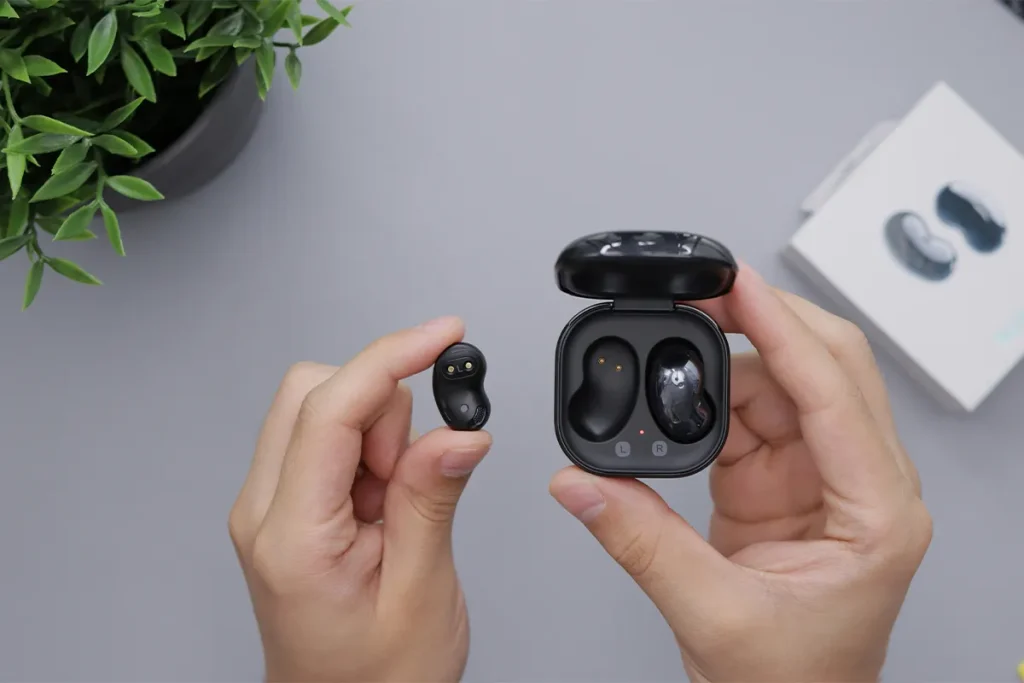
AI Earbuds iKKO Review at a Glance
| Decision Factor | What iKKO ActiveBuds (AB02) Offers | What You Should Check Before Buying | Best For |
| AI features | iKKO markets an AI assistant experience through the case and app. | Check which AI features are available in your country, and whether they require an account login and an internet connection. | People who want AI help for quick tasks, not just music. |
| Translation | iKKO markets two-way translation. Language counts vary by seller listing and may be shown as 45 languages or 62+ languages. | Confirm the exact languages you need. Expect the best results in quieter places, with short sentences and clear speech. | Travel, simple daily conversations, and basic help in a new place. |
| Notes and transcription | The product is marketed with voice recording, transcription, and note-style use cases. | Confirm how notes are saved and whether you can export them (text, share, or cloud) in a way that fits your workflow. | Students, writers, and busy people who save ideas often. |
| Touchscreen case | iKKO markets an AMOLED touchscreen case with an on-case interface for controls and features. | Decide if you want a case you will interact with daily, or if you prefer a basic charge-only case. | Users who like direct control without opening the phone often. |
| Standalone connectivity | The case is commonly described as having a SIM slot for 4G connectivity. Some listings also mention Wi-Fi, GPS, or similar extras. | Confirm the exact connectivity features for your unit and region, including SIM support, bands, and whether features require a data plan. | Users who want more independence from the phone. |
| Bluetooth | Commonly listed as Bluetooth 5.3, sometimes with multipoint support mentioned. | If you use multiple devices, verify multipoint behavior in real use and check for stable pairing with your phone and laptop. | Every day use across phone, tablet, and laptop. |
| Audio codecs | Some detailed user reports suggest basic codec support, often SBC and AAC only. | If you care about higher-end codecs, verify current codec support for your region and firmware before buying. | Most casual listeners, not ideal for codec-focused audiophiles. |
| Water resistance | Often listed as IPX4 for the earbuds (basic splash resistance). | If you sweat a lot or often walk in the rain, confirm your risk level. IPX4 is not for heavy water exposure. | Light workouts and daily commuting. |
| Battery (earbuds and case) | Commonly listed as up to about 7.5 hours on the earbuds and up to about 30 hours total with the case, often under best-case conditions. | Treat battery numbers as best-case claims. Check real-world reviews for your typical volume and feature use. | Long days, travel days, and people who forget to charge often. |
| Price positioning | Official pricing is commonly shown around $329 on iKKO sales pages, while reseller prices can vary widely by country and stock. | Compare local street prices to alternatives, especially if you mainly want translation or mainly want sound quality. | Buyers who value the smart-case and AI concept enough to pay more. |
FAQs: AI Earbuds iKKO Review
Q1: Are iKKO ActiveBuds good for real-time translation earbuds for travel
A: They can help with short travel tasks like ordering food and asking directions. Better results usually come from quiet places and clear speech. Loud streets and fast speech can reduce accuracy, so repeating can help.
Q2: Can iKKO ActiveBuds handle voice-to-text notes on earbuds for busy days
A: They can help you save quick notes when typing is hard. The phone app is often needed to manage and export notes. Testing the workflow one time before you depend on it makes daily use easier.
Q3: Do iKKO ActiveBuds support hands-free translation earbuds with an app
Many translation features depend on the app, language settings, and internet access. After setup, you can use the earbuds in a more hands-free way for simple talk. Clear speech and short sentences usually give better results.
Q4:Are iKKO ActiveBuds useful for AI meeting notes from earbuds at work?
A: They can be useful for short takeaways and reminders, especially in quiet rooms. In noisy rooms, the text may contain more mistakes. For important work, review the note later and fix names and key terms.
Q5: Are iKKO ActiveBuds smart earbuds for multilingual conversations with friends
A: They can support simple multilingual talk when people speak one at a time. Group talk with overlap can be harder for any tool. Keeping the talk short and clear improves the experience.
Conclusion
AI Earbuds iKKO, especially iKKO ActiveBuds, try to mix audio with smart tools. Recent research on real-time speech translation shows that these systems usually have a short delay, and they work best when people speak one at a time.
Translation can help in simple travel moments where talk is short and clear. AI notes can help you save ideas fast without stopping your day. Sound and calls still matter most for daily comfort, so those should guide your choice first.
For people who will use translation and notes often, this product type can feel like a useful upgrade. For people who want only music and simple use, a normal earbud set may feel more comfortable.